What Makes a Recipe Video Easy to Follow
A recipe video is easy to follow when every shot answers the cook’s next question — wide for setup, overhead for action, macro for state changes — and captions, on-screen text and chapters are built to platform spec.
Fact Level First: Confirmed, Reported and Not Disclosed
Before you plan a single shot, sort your assumptions into three piles. One pile is documented by the platform itself. The other two are weaker than they look.
- Confirmed by documentation. YouTube’s official documentation says creator-added video chapters need at least three timestamps listed in ascending order, and no chapter can be shorter than 10 seconds.
- Reported by research. A study reported by TV Tech found 87% of U.S. viewers use captions at least sometimes and 49% use them often or always, while only 13% never turn them on; other caption surveys put the "always/often" share marginally higher, so sources differ slightly.
- Not disclosed by platforms. No major platform publishes how caption usage, rewatch of a single segment, or chapter clicks feed its recommendations for cooking content specifically.
That third pile is where most advice about recipe video goes wrong. Claims about what "the algorithm rewards" in food content are inference, not disclosure, and you should treat them that way.
Everything below is craft judgment aimed at one measurable thing you control: whether a cook standing at a hot burner can follow you without rewinding four times.
Background: How the Overhead, Hands-Only Video Became Default
The fixed overhead frame started as an answer to a feed problem, not an aesthetic choice. Video in a social feed often starts muted, on a screen the width of a palm, with a thumb hovering over it. A face talking to camera reads as nothing at that size; a pan of sizzling onions reads instantly.
BuzzFeed’s Tasty built its audience on a fixed overhead shot showing only a pair of hands, sped-up action and music instead of narration, according to Fast Company. That grammar — no presenter, no studio, no intro — got copied across every platform within a couple of years.
Short-form then compressed it further. Creator Albert Niazhvinski, known as Albert CanCook, has gathered more than 50 million followers across social platforms with short-form cooking videos, according to Wikipedia.
Home cooks inherited that visual language whether or not they intended to. Shoot from above, keep yourself out of frame, show the food. The format is fine. The trouble is that the format alone does not teach anyone to cook.
The Problem: Where a Recipe Video Loses the Cook
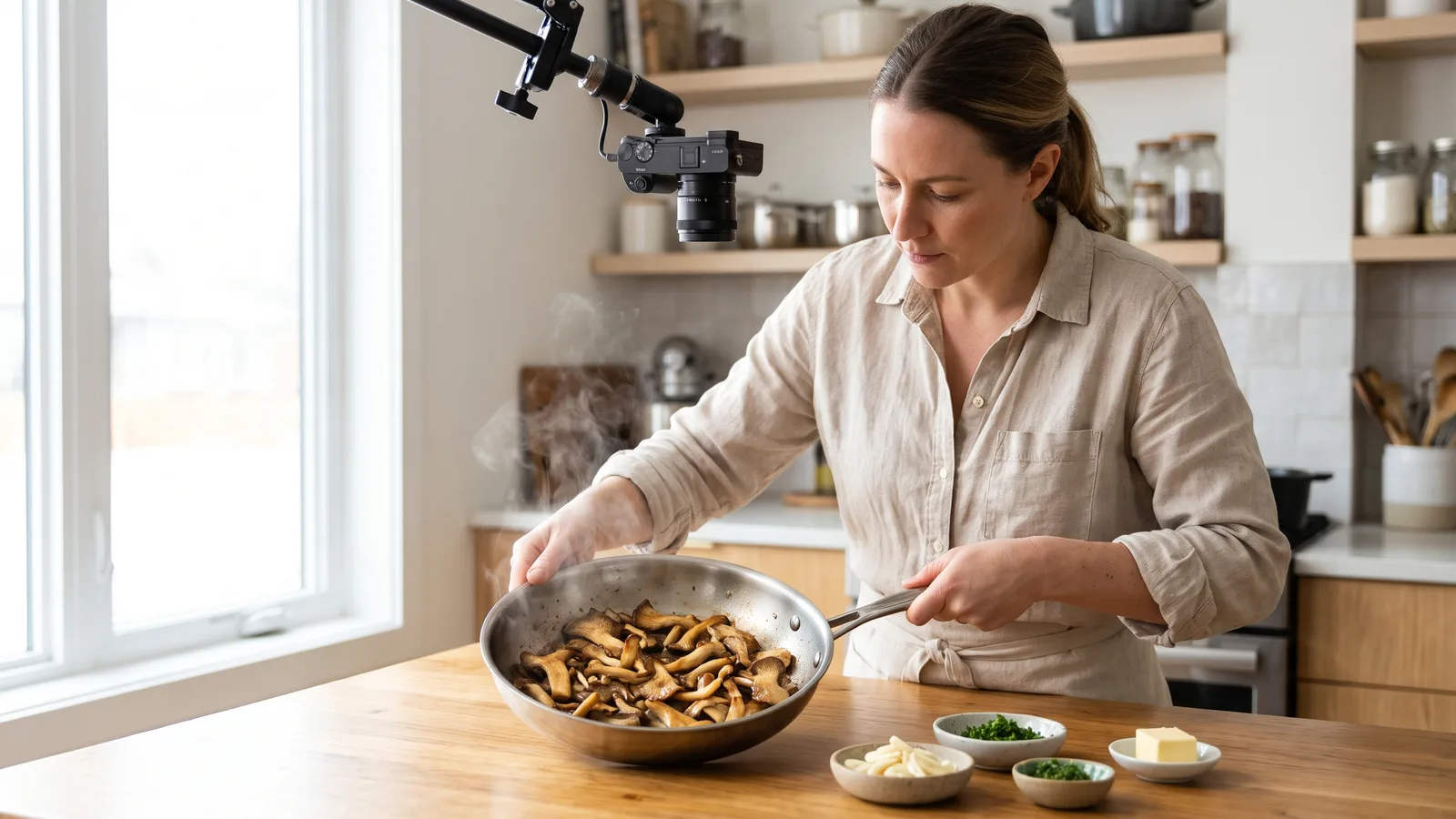
Picture the viewer honestly. Hands wet, phone face-up on the counter at an angle, pan already hot, half a shallot going brown faster than expected. That is the moment your edit either answers a question or wastes the shallot.
Four failures do most of the damage:
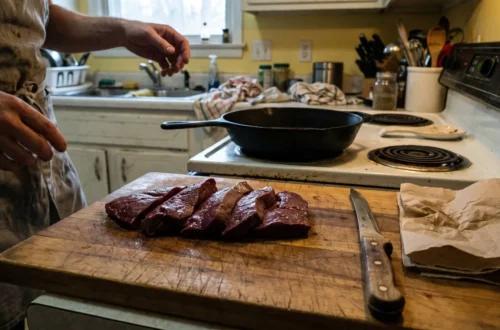
- Missing ingredient states. The clip shows garlic going in, never whether it was sliced, smashed or grated — so the cook has to make that call alone, mid-recipe, which is exactly the work a prep-everything-before-you-start routine is supposed to remove.
- Unreadable pans. Overhead light bounces off stainless steel, the exposure locks on the white counter, and the one thing that matters — how dark the fond is — gets blown out.
- Silent phones. Consumers expect captions on food content more than on entertainment video: 53% expect captioning on food videos versus 49% for movies and TV, according to a Verizon Media and Publicis Media survey.
- No way back. A cook who missed the oven temperature has to scrub a progress bar with a greasy finger because nothing in the video marks where step three begins.
None of these are camera problems. They are planning problems, and you fix them before you press record.
Solution Part 1: A Shot List That Answers the Cook’s Next Question
Build the shot list backwards from the questions a cook asks out loud. "How big is that pan?" "How thin is that slice?" "How brown is brown?" Each question gets a shot, and the cut happens when the question changes.
| Shot | The question it answers | Cut to it when |
|---|---|---|
| Wide (counter + stove) | What setup and pan size do I need? | Opening, and whenever the cooking vessel changes |
| Overhead | What is my hand doing right now? | Mixing, assembling, plating, pouring |
| Macro (close, shallow) | How thick, how fine, how wet? | Any cut, any dough, any ingredient state |
| State-change insert | Is it done yet? | Browning, bubbling, thickening, curdling risk |
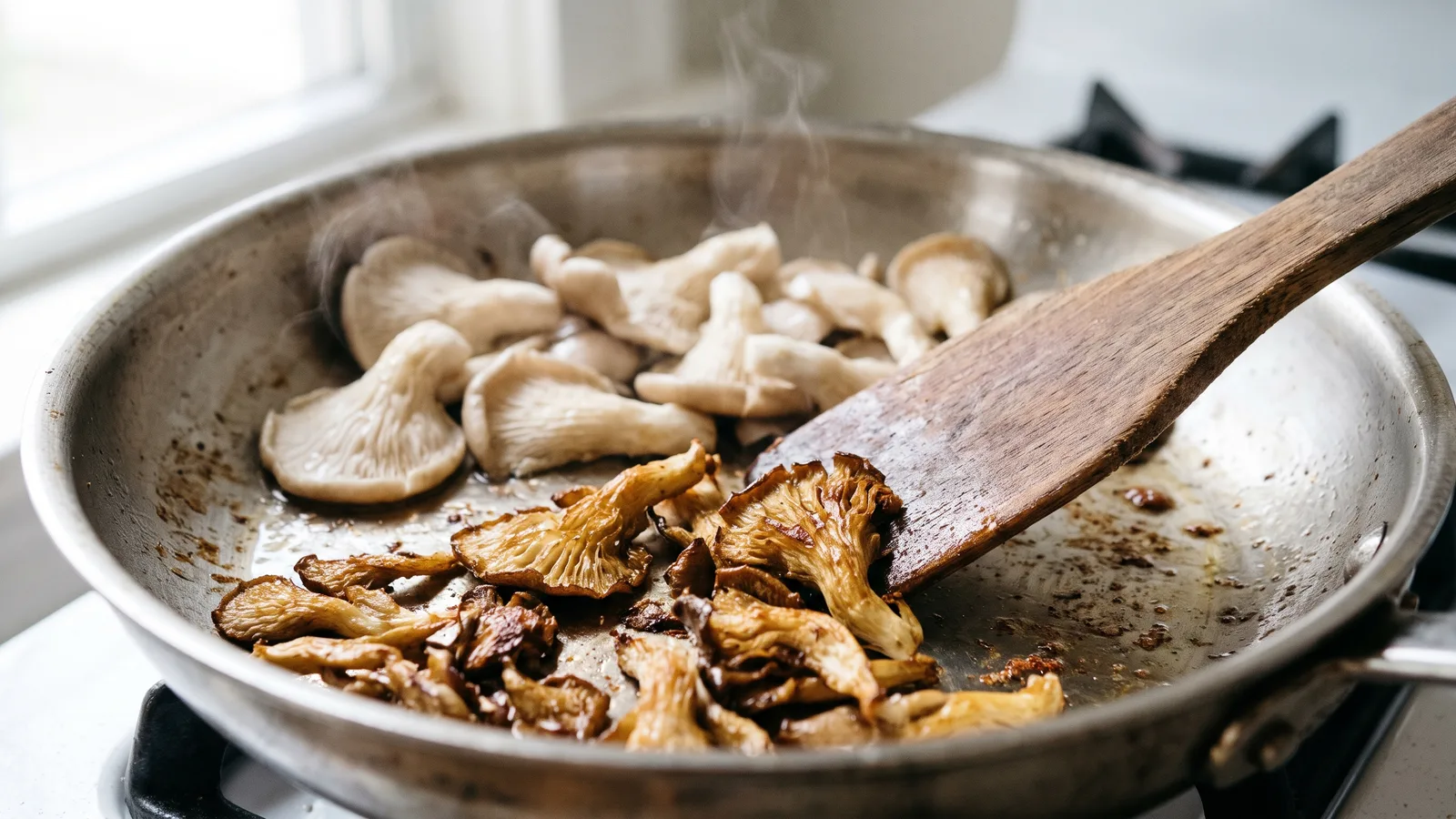
The state-change insert is the one most home videos skip and the one cooks rewind for. Hold it longer than feels comfortable in the edit — the viewer is comparing it against their own pan, and that takes seconds, not frames.
Shoot ingredient states as a short sequence before cooking starts, in the order they enter the pot. For something like getting oyster mushrooms to crisp instead of steam, the useful frame is not the hand with the tongs; it is the surface of the mushroom going from pale and damp to gold and dry.
Audio counts as a shot. Record one clean sizzle, one bubbling simmer and one sharp knife-on-board at real speed, so a sped-up sequence still has an accurate sound cue under it.
Solution Part 2: Captions, On-Screen Text and Chapters Built to Spec
Treat captions and on-screen text as two different jobs. Captions carry speech; on-screen text carries quantities, temperatures and times. Mixing them produces a cluttered frame where neither is readable.
- Caption file, not just burned-in text. Burned-in captions survive re-uploads and muted autoplay, but an uploaded caption file is what gets indexed and what screen readers and caption settings use. Do both when the platform allows it.
- Keep text out of the interface zone. Platform UI, like-counts and progress bars sit along the bottom and right edge of vertical video, so place amounts higher in the frame than looks natural on your editing timeline.
- Show amounts in the unit you actually used. If you weighed the flour, put the grams on screen — the habit of weighing ingredients instead of scooping them only transfers to the viewer if the number appears at the moment the flour goes in.
- Name chapters by state, not by number. "Sear until deep brown" helps a returning cook; "Step 3" does not.
YouTube’s official documentation says creator-added video chapters need at least three timestamps listed in ascending order, and no chapter can be shorter than 10 seconds. If your steps run shorter than that, group them — resting and slicing become one chapter rather than two.
Results Expected by Design
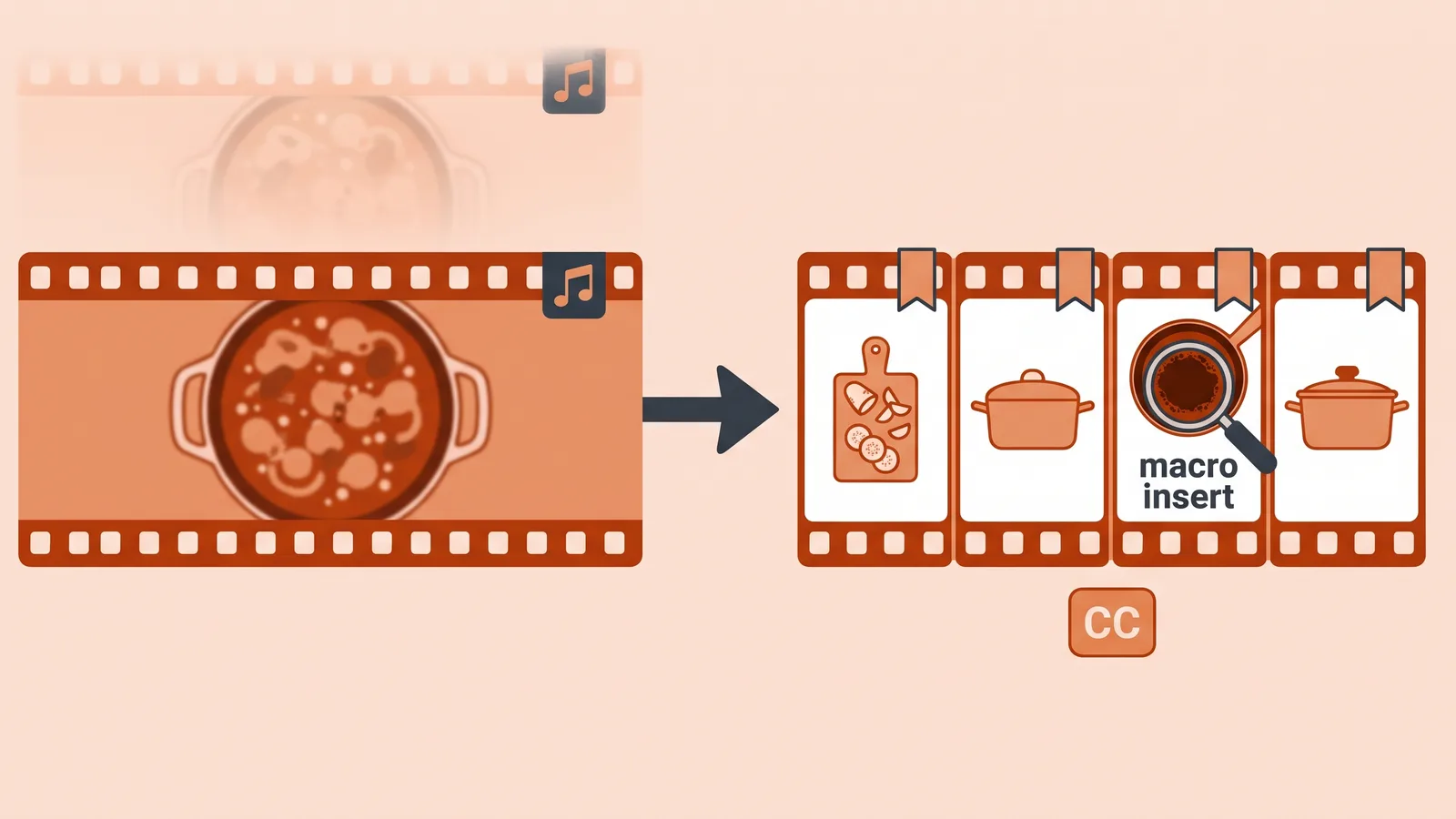
Example: a home cook films a 10-minute braise in a galley kitchen with one phone, a window and a cutting board. Version one is a single continuous take with music. Version two uses the four-shot list, a caption file, on-screen gram amounts and named chapters.
| What the cook experiences | Single take, music only | Follow-along edit |
|---|---|---|
| Ingredient prep | Guessed from a blur of hands | Shown as a labelled sequence |
| "Is it brown enough?" | Judged from a wide overhead | Held macro insert of the fond |
| Watching muted | Speech lost entirely | Captions plus on-screen amounts |
| Returning to step three | Thumb-scrubs the progress bar | Taps a named chapter |
These outcomes are expected by design, not measured results — nothing here was tested on a channel, and platforms do not publish the data that would settle it. What the edit changes with confidence is comprehension: the cook can see each state change and re-enter at the right second.
Reach follows a weaker, honest logic. Captioned food video meets a stated viewer expectation, and chapters give a long video internal entry points, which is more useful for a weeknight batch-cooking session than for a 40-second feed clip.
Related Real Cases: Tasty, Food Wishes and YouCook2
Tasty. BuzzFeed’s Tasty built its audience on a fixed overhead shot showing only a pair of hands, sped-up action and music instead of narration, according to Fast Company. The lesson to copy is the consistency of the frame; the gap to fix is that sped-up silent action hides state changes, which is why the macro insert matters more in your edit than it did in theirs.
Food Wishes. Chef John of Food Wishes keeps himself out of frame entirely, showing only hands, ingredients and utensils, and records his narration after the edit is finished, according to Wikipedia. Recording voice after the cut is a practical trick for home kitchens: you talk to the finished sequence instead of talking over a hot pan, so the explanation lands on the exact frame it describes.
YouCook2. The University of Michigan’s YouCook2 dataset contains 2,000 untrimmed cooking videos covering 89 recipes, each annotated with the temporal boundaries of its procedure steps. It is a research dataset, not a style guide, but it documents something useful: cooking videos are legible when their steps have clear start and end points — which is exactly what your chapter list and your cuts should make visible.
Frequently asked questions
Do I need captions if my recipe video already has a voiceover?
Yes. A study reported by TV Tech found 87% of U.S. viewers use captions at least sometimes and 49% use them often or always, so a voiceover alone leaves a large share of your audience reading nothing while the pan browns.
Burned-in text or an uploaded caption file — which should I use?
Use both where the platform allows it. Burned-in text survives muted autoplay and re-uploads; an uploaded caption file is what caption settings and search indexing read, and it keeps the frame clean when a viewer turns captions off.
How do chapters work on YouTube, and how many do I need?
YouTube’s official documentation says creator-added video chapters need at least three timestamps listed in ascending order, and no chapter can be shorter than 10 seconds, so group fast steps like resting and slicing into a single named chapter.
What is the one shot most home recipe videos are missing?
The state-change insert: a held close-up of browning, thickening or bubbling at the moment of doneness. Cooks rewind for it because they are comparing it with their own pan, and a wide overhead cannot show color accurately.
Does an overhead hands-only format still work for a longer recipe video?
It works as the backbone, not the whole grammar. Tasty built its audience on a fixed overhead shot with hands, sped-up action and music instead of narration, according to Fast Company, but a longer video needs wide, macro and state-change cuts too.
Sources
- Video Chapters – YouTube Help
- Study: Nearly Half of U.S. Viewers Watch Video With Captions — TV Tech
- Verizon Media and Publicis Media Find Viewers Want Captions — 3Play Media
- YouCook2 Dataset — University of Michigan
- Why BuzzFeed’s Recipe Videos Are So Insanely Popular — Fast Company
- John Mitzewich — Wikipedia
- Albert CanCook — Wikipedia
AI tools helped write this guide. The Cooking and Kitchen Editorial Team published it after checking every figure against the sources linked above.
Related articles

Cooking and Kitchen Editorial Team
Articles on Cooking and Kitchen are written by the editorial team with AI assistance and checked against the cited sources.

You May Also Like
Meal Prep Ideas for the Week That Last to Friday
How to Make Oak Kitchen Cabinets Look Modern